

BSNL, which is a government-run telecom company, still serves a large segment of the Indian population. In 2025, we see that BSNL is still the choice of many, which is what they prefer. At the same time, many of BSNL’s customers report a common issue of forgetting their own mobile numbers.
This is a common issue when you get a new SIM card, are using many numbers at once, or just can’t recall your BSNL number. On the bright side, we have many easy and free solutions for you to check out your BSNL number. In this piece, we are putting forth a step-by-step guide that will help you determine your BSNL number in 2025.
Why do you have to verify your BSNL number?
In many cases, your BSNL number is required.
When you link your number to Aadhaar, banking services, or UPI.
When completing applications that require a valid mobile number.
When you give out your number to relatives and professionals.
Method 1: Find out the BSNL Number through USSD Codes.
Steps:
Open the dialer app on your device
Dial 222# then tap the call button
Wait till a notice appears.
Your BSNL mobile number will show up on the screen properly.
If that code breaks, try out:
888#
1#
785#
Method 2: Dial BSNL Customer Care.
If the USSD codes are not working for you or if you are the old school guy like me who prefers a human support rather than a robot, you can try reaching out to the BSNL customer care.
Steps:
Dial 1503 on your BSNL SIM
Using another operator? Dial 1800-180-1503 (toll-free)
Select a rep or just follow the IVR prompts.
Ask them to confirm your identity before providing the number.
This problem is addressed, and we also consider some other questions concerning plans and services.
Method 3: Use BSNL Selfcare.
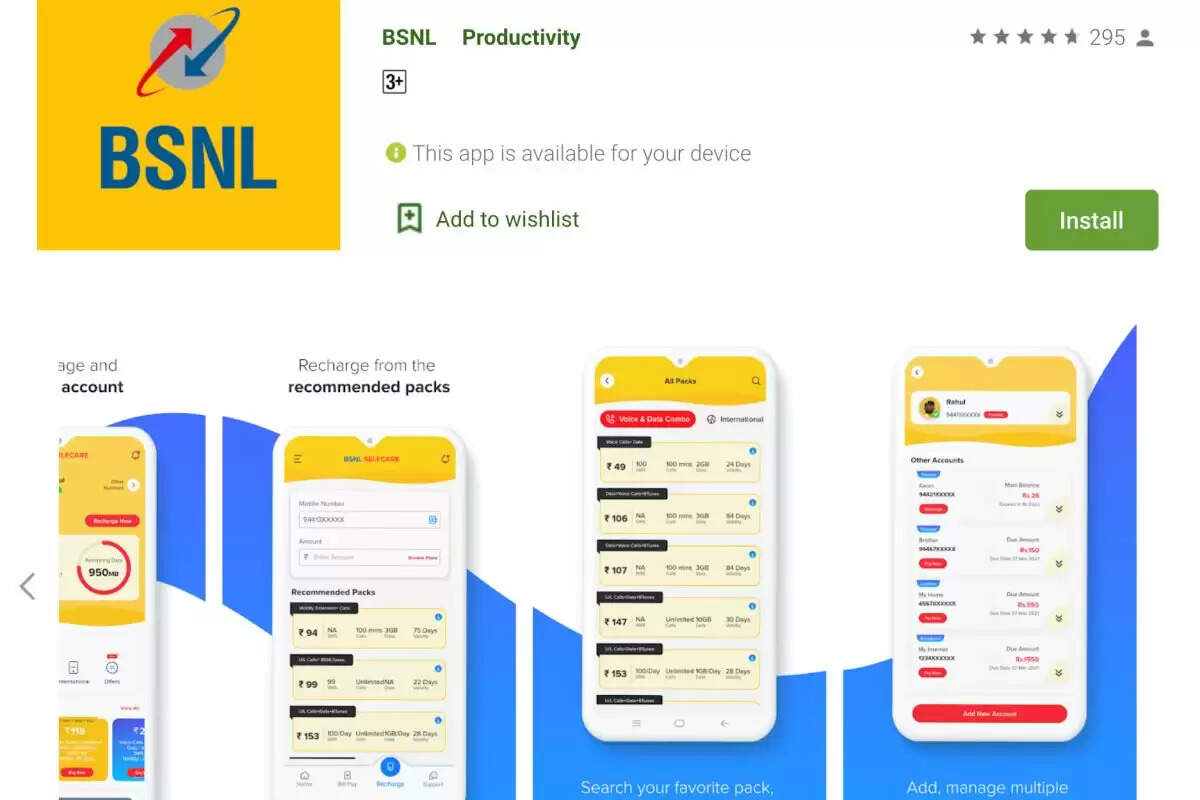
By 2025, BSNL’s Selfcare app will have seen design and use improvements. We now see that it allows users to check their numbers, track balances, see which plans are active, and easily top up.
Steps:
Download the original BSNL Selfcare app from the Play Store or App Store to get going
Launch the app and sign in with your BSNL SIM (you will receive an OTP for confirmation)
Once you are in the system, your registered BSNL mobile number will show up on the display.
Method 4: Reach out by Call or Text.
At some points in time, it is best to pick up the phone or send a note to someone you trust.
Steps:
Dial your friend’s number on the BSNL SIM.
Upon the call or SMS arrival, have them check the caller ID.
Note your digits from their device.
This option is a great choice if network is a factor and you don’t mind balance.
Method 5: Check your phone settings.
Today, we see that most smartphones report on which SIM is in use and save that info to device settings.
For Android: For use on Android:.
Head to Settings.
Select About Phone > SIM Status.
Your BSNL number will show up under “My Phone Number.
For iPhone: For Apple:.
Open Settings.
Click Phone.
BSNL number is by “My Number.
Conclusion
Sure, your BSNL mobile number may be a thing that you forget at times, but getting back to it is an easy task. You can go to the USSD, call in to the customer care, use the BSNL Selfcare app, or do it through the settings. Also, whichever of these you choose, the process is quick, reliable, and at no cost.
So when you forget your BSNL passwords, just do this — it takes a minute to get back in.
About the Author